Funnels and follow-up9 min readUpdated 1 November 2026
Landing pages for
local businesses:
what to put on one
Landing pages for local businesses: one page, one job, and everything it should contain to turn clicks into customers.
In this guide
Key takeaways
- A landing page has one goal and one action. Everything else is removed.
- Match the page to the click. Someone who searched for “emergency electrician in Leeds” should see exactly that.
- Proof, a clear offer and an easy form matter more than clever design.
What a landing page is, and is not
A landing page is the page someone arrives on after clicking an ad, a search result or a link. Unlike your homepage, which has many jobs, it has one: get a specific person to take a specific action, such as calling, booking or requesting a quote.
That is why a good landing page often has no main navigation. Every link that leads away is a chance to lose the visitor.
Match the page to the promise
People click an ad or result because it promised something. If the page does not deliver that promise in the first screen, they leave. A search for “wedding photographer Cardiff” should lead to a page about wedding photography in Cardiff, not a general portfolio.
This is also why one page per service and area usually beats a single page that tries to speak to everyone. See local SEO for how to structure them.
The sections that make landing pages work
- A headline that repeats the promise. Say what you do, for whom and where, in plain words.
- A supporting line. One sentence on the outcome: “Emergency call-outs across Leeds, with a fixed price agreed before we start.”
- One clear action. A button or phone number that stands out, repeated down the page.
- Proof. Reviews, a real photo of your work, accreditations and numbers you can stand behind.
- What happens next. Three short steps remove fear: “You call, we quote, we book.”
- Answers to doubts. Price guidance, coverage area, timing and a few short FAQs.
- A short form, if you use one. Name, phone or email, and one question. Each extra field reduces completions.
Mobile first
Most local searches happen on a phone, often in a hurry. Put the call button and the headline in the first screen, make tap targets large, and keep forms short. Test the page on a real phone with one thumb. Our guide to what makes a website convert goes into detail.
Speed and trust
- The page must load quickly. See website speed and Core Web Vitals.
- Show your business name, address and a real phone number.
- Use real photos where you can. Stock images feel distant.
- Link to your privacy policy near the form.
Measure and improve
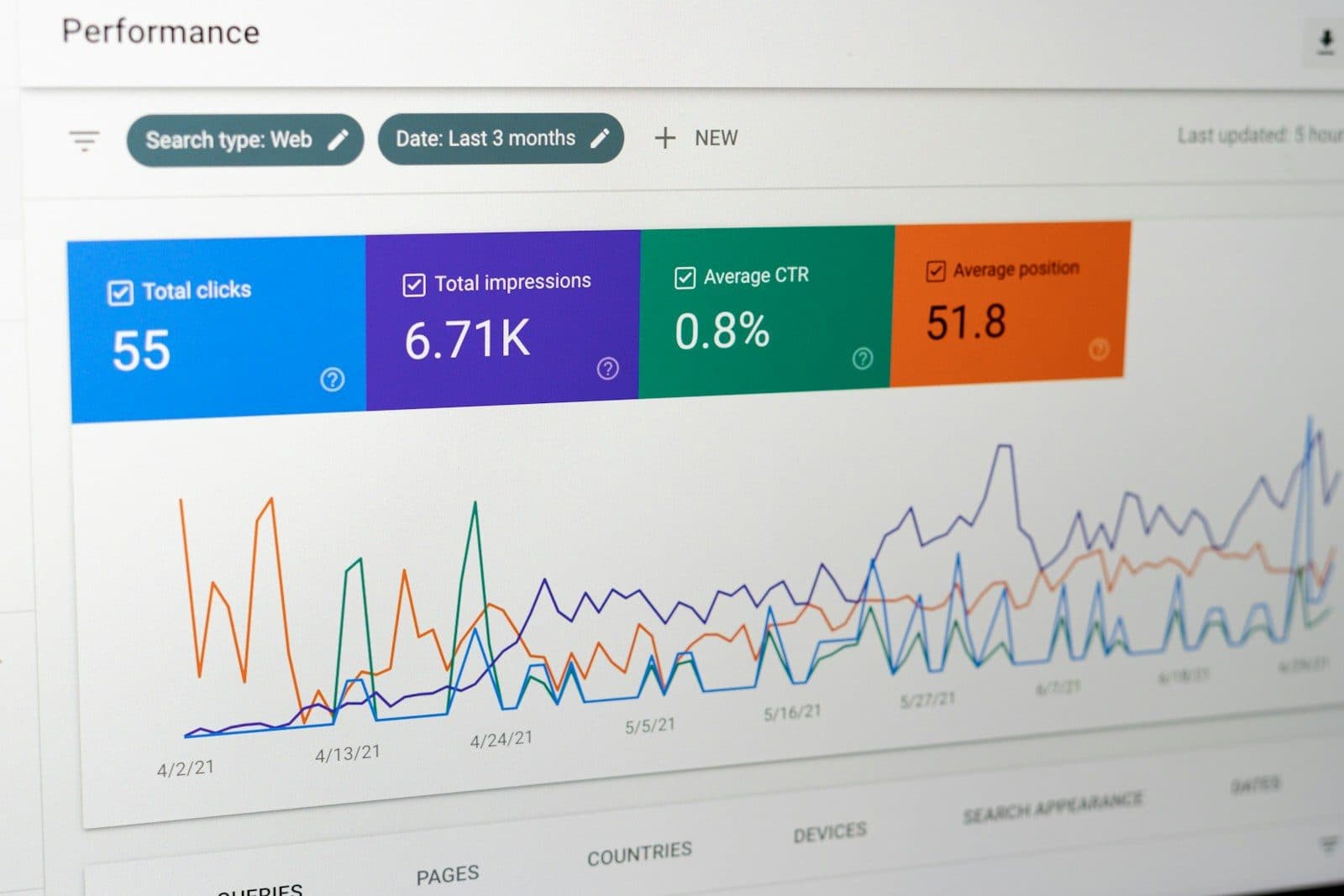
Track how many visitors become enquiries, and which headline, photo or offer lifts that number. Change one thing at a time, and give each change enough visits to mean something. Even small improvements compound. If you run Google Ads, a better landing page lowers your cost per enquiry, because more of the clicks you already pay for turn into customers.
Brilliant builds a dedicated page for each service and area you want to win, with tracking set up so you can see what works.
Frequently asked questions
Do I need a separate landing page for every ad?
Not every ad, but every distinct service or audience deserves its own page so the message matches what people clicked.
Should a landing page have a menu?
Usually not. Removing navigation keeps visitors focused on one action. Keep a logo and a way to call.
How long should a landing page be?
As long as it needs to be to answer the doubts of someone ready to act. For a simple service, one to two screens on mobile may be enough. For higher-value work, add proof and answers.
More questions? Browse all our FAQs.
Useful next: website and marketing glossary, practical checklists and the website ROI calculator.